Showing posts with label ferris wheel. Show all posts

Friday, November 9, 2012

Lines - Photo Art Friday

This weeks challenge is "lines" and of course any photo art of your choice.  I didn't have enough time to take a new shot for this challenge (as much as I wish I could have), so I had to look at some of my photos I've already taken.  

The photo I chose, I took while I was visiting my sister in Texas. 


I first added a soft blend script to the photo then went into my instant effects and added the "tone map high".  I used one of Bonnie's fabulous free textures, "Other Worlds" Overlay mode, blend at 100% and lastly I added a little vignette.

After all the processing, not sure if you can see or even notice the seagull flying by the Ferris Wheel.

If you're interested in Photo Art Friday click here.   Please be sure to stop by Bonnie's blog, Pixel Dust Photo Art, to see not only her work, but today's photos of this challenge.

Capture Life!

Thursday, September 15, 2011

Edit Me - Week 18

This is my first time to participate in this type of challenge.  I've seen them on blogs and looked at how everyone's interpretation and thought, "how fun and challenging that will be".  So I decided to join in on all the fun.

The original photo is by Kathryn at Our tiny BIG Life blog during a trip to Chicago.

The challenge is to take this cool pic and give it your own style. You can use any editing program you like. Crop, color, texture, quotes, effects, actions... anything you can come up with is fair game! And to share a little bit about your process, so everyone can learn from each other.

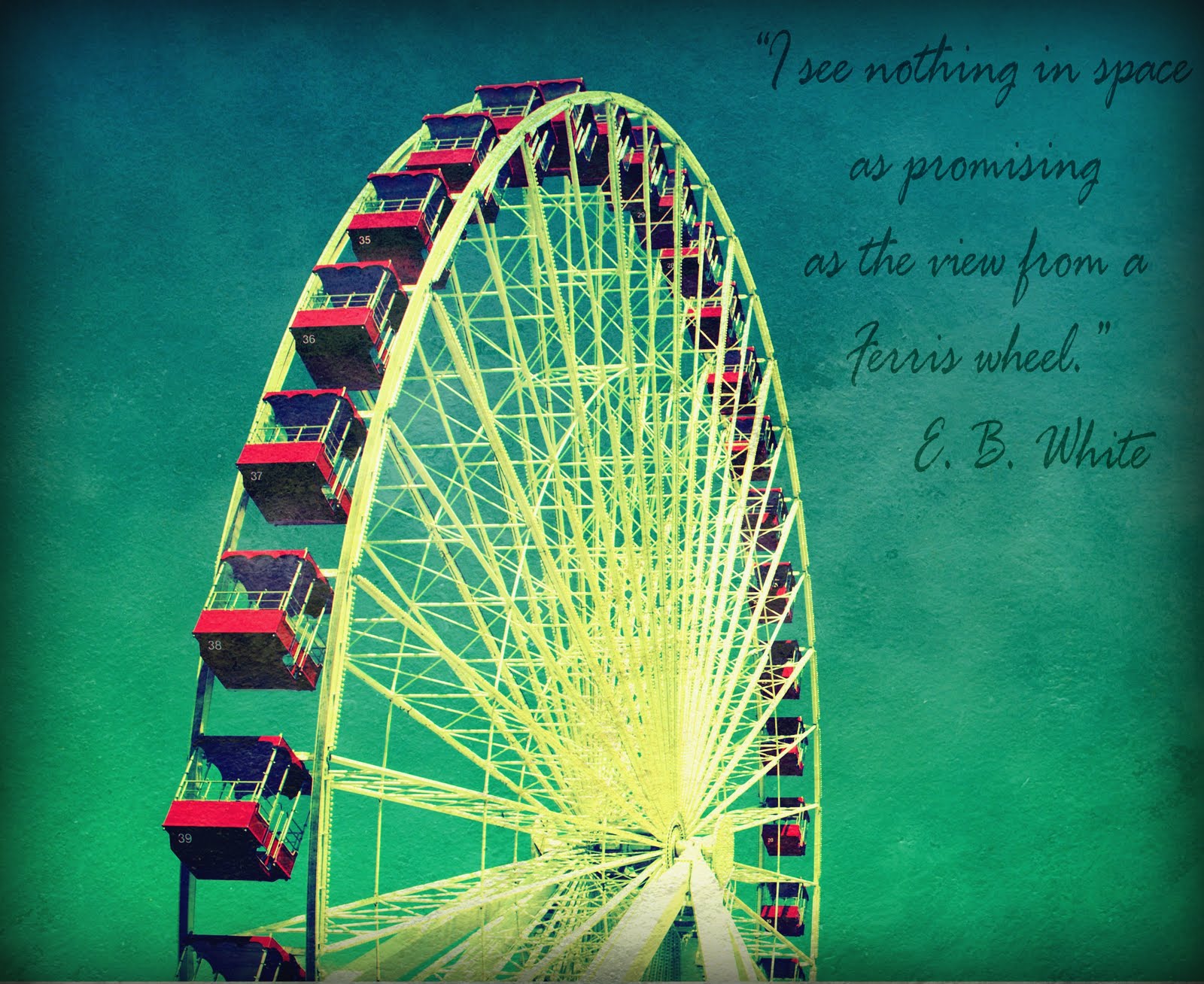
Here is my "edit me":


I actually used three different editing programs (mainly because I don't know all the ends and outs of just one). 
• I started off in GIMP: I cropped the photo and slightly adjusted the bright/contrast.  
• I opened up the curves and added a really cool "cross processing" effect...saved it.
• I opened the photo in Corel Paint Shop Pro and added Shadow House Creations texture "Painterly" using blending mode Hard Light at 83%.
• In PSP, I added the quote.
• Then last but not least, I opened the photo up in Picnik.com and added a vignette around the photo.

If you're interested in this weekly challenge, click on the button below to learn more about and to hook up.  Also while you're there check out the other fabulous editing techniques.